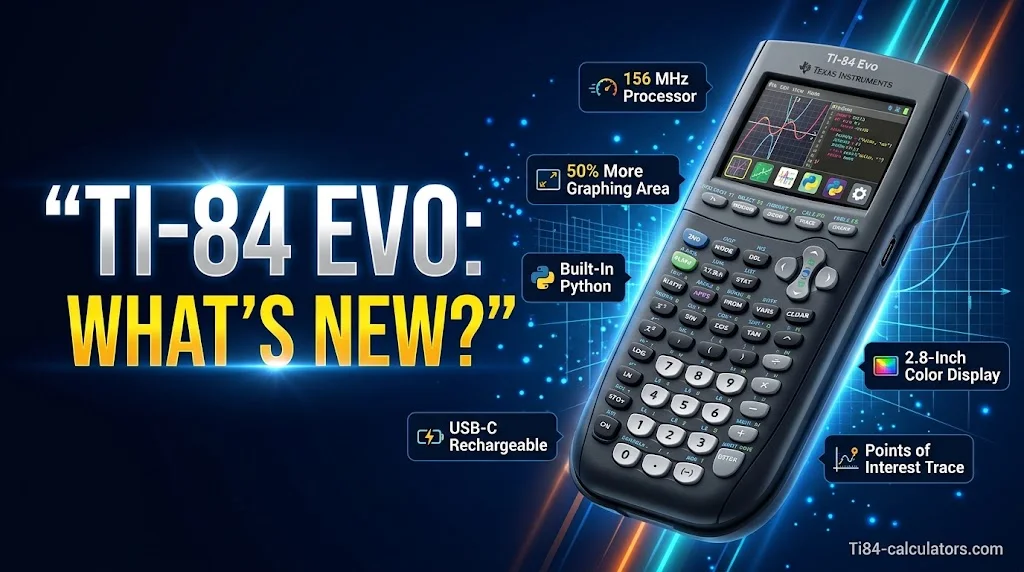
The TI-84 Evo is Texas Instruments’ newest graphing calculator. It launched on April 28, 2026, and it is the first TI-84 with built-in Python.
Is the TI-84 Evo worth it? For new buyers, yes. If your TI-84 Plus CE still works well, you can wait. Here is what changed, what stayed the same, and who gains the most.
What’s New in the TI-84 Evo? Key Features at a Glance
The new Ti 84 Evo upgrades speed, screen size and menus. Most of the keys will feel familiar.
Faster processor. The Evo runs at 156 MHz. The TI-84 Plus CE runs at 48 MHz. TI says this is up to 3x faster.
Bigger graphing area. The graph window grows to 319 x 209 pixels. The Plus CE has 264 x 165. That is about 50% more room for graphing functions.
Sharper screen. It has a 2.8-inch backlit color display at 320 x 240 pixels.
Icon home screen. The home screen shows tools like Calculator, Y= Editor, Solvers, Conics and Python as icons. You tap fewer menus to reach them. Press ON to return home.
Points of Interest Trace. As you trace a graph, the Evo highlights zeros, local maximums and minimums, y-intercepts and intersections. That saves time on homework and tests.
Better apps. The redesigned Lines and Conics app graphs up to six conics at once. The Inequality Graphing and Transformation Graphing apps open from the home screen.
Easier input. A yellow status bar gives hints without giving answers. A toggle key switches between fractions and decimals.
Modern hardware. You get a USB-C port, a rechargeable battery and 3.5 MB of user memory. A slide case is included.
While the TI-84 Evo offers updated features and functionality, its price may not fit every student’s budget. If you’re looking for a more affordable way to get a reliable graphing calculator, explore these budget-friendly TI-84 calculator options, including discounts, coupon deals, and used models that can help you save money.
TI-84 Evo vs TI-84 Plus CE: Key Differences
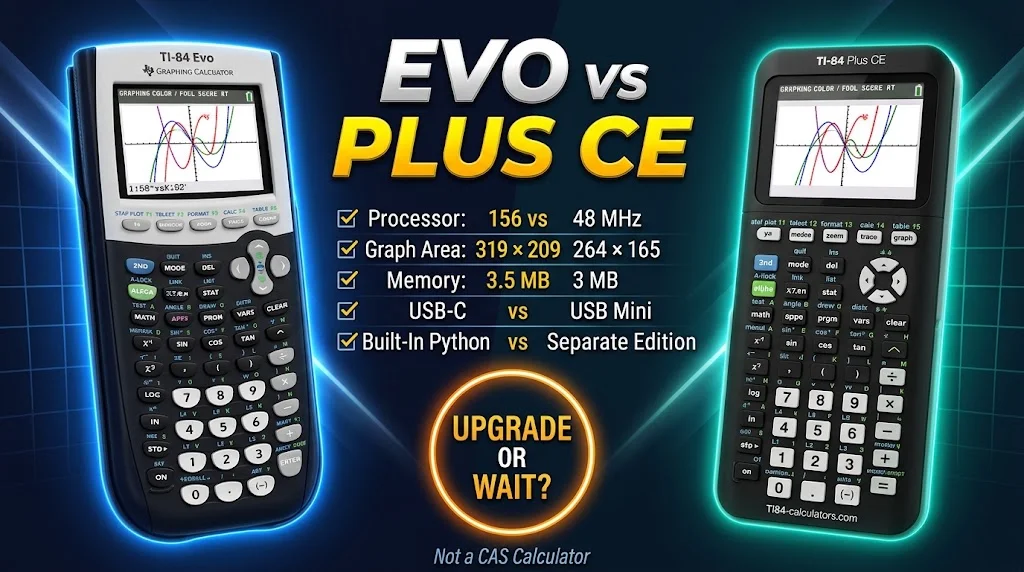
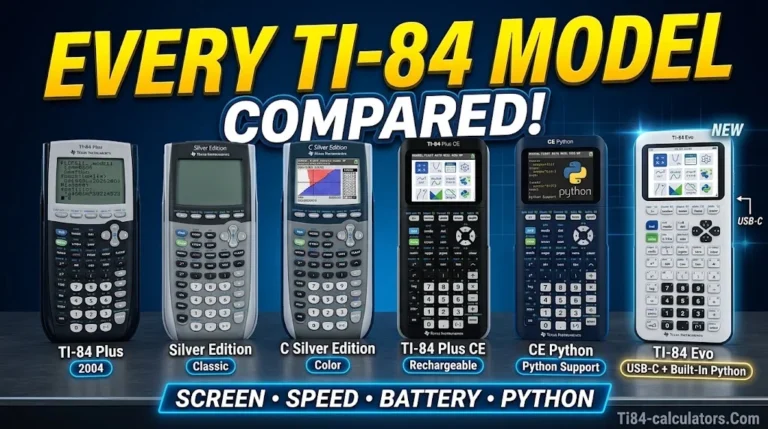
The TI-84 Evo vs TI-84 Plus CE choice comes down to speed, screen, ports and programming. The math tools are very close.
| Feature | TI-84 Evo | TI-84 Plus CE | TI-84 Plus |
|---|---|---|---|
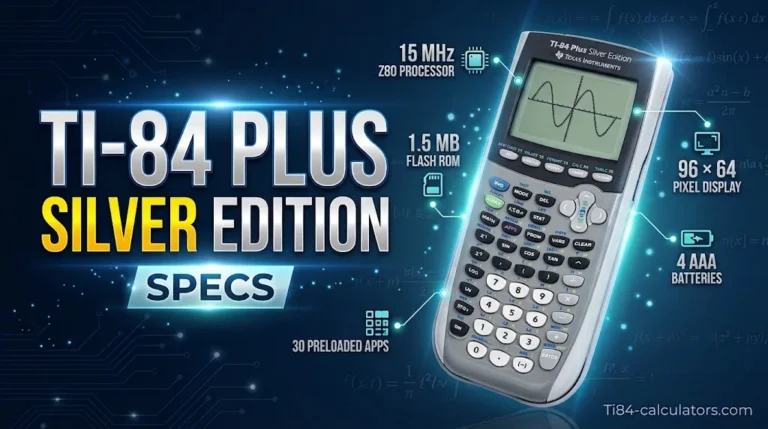
| Processor | 156 MHz | 48 MHz | 15 MHz |
| Graphing area | 319 x 209 | 264 x 165 | 96 x 64 |
| User memory | 3.5 MB | 3 MB | 480 KB |
| Cable | USB-C | USB-mini | USB-mini |
| Color screen | Yes | Yes | No |
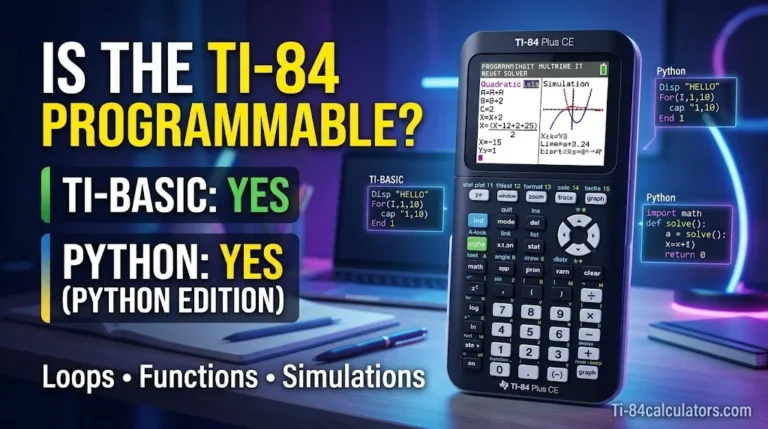
| Python | Built in | Separate edition | No |
Specs from Texas Instruments.
Is the speed boost real? Mostly, but not always. Some reviewer tests found results from about 70% faster to 15% slower, depending on the task. Treat “3x faster” as a best case.
What about old programs? Community coverage reports that Plus CE TI-BASIC programs do not transfer directly to the Evo. It also says third-party assembly and C programs are restricted. If you use many saved programs, test them first.
Is it hard to switch? No. Most keystrokes match older TI-84 models. A Plus CE user can adapt in minutes.
Is it a CAS calculator? No. The Evo does not solve algebra symbolically. For that, look at the TI-Nspire CX II CAS.
Is the TI 84 Evo Allowed on the SAT, ACT, AP and IB?
Yes. TI lists the TI 84 Evo as approved for the SAT, ACT, AP, PSAT/NMSQT and IB exams. Rules can change, so always check before test day.
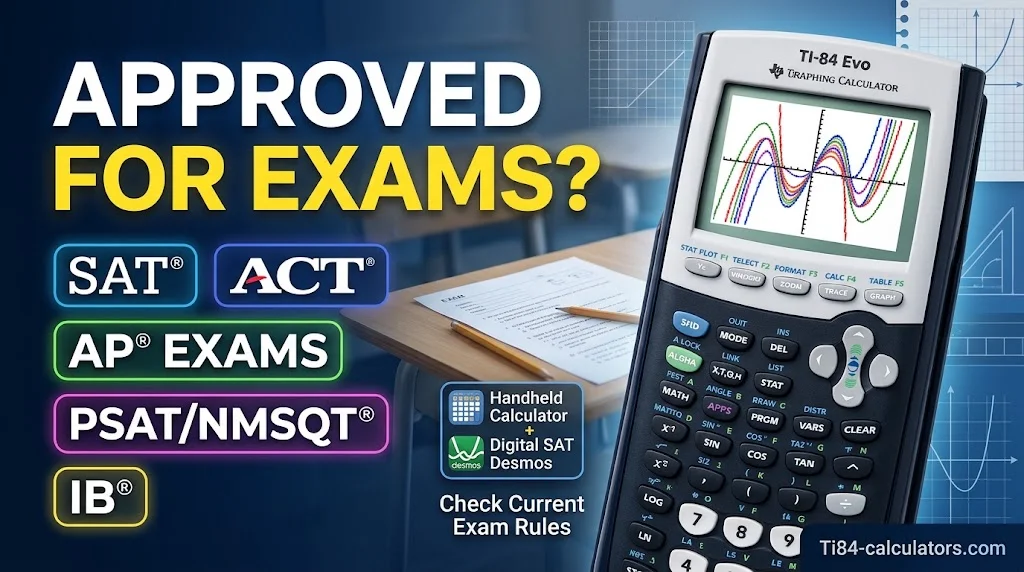
Check the official rules. Read the ACT calculator policy and the AP calculator policy. AP rules vary by exam.
Digital SAT. The College Board’s Bluebook app has a built-in Desmos graphing calculator. You can also bring an approved handheld. Practice with both.
Handheld vs online. A handheld approval does not cover the online version. Ask your teacher or test center first.
Classroom focus. The Evo has no internet access. TI describes it as a distraction-free learning tool.
TI-84 Evo Price, Value and Who Should Buy It
The Ti 84 Evo price was reported at about $160 at launch. Prices vary by seller and color, so check the current cost.
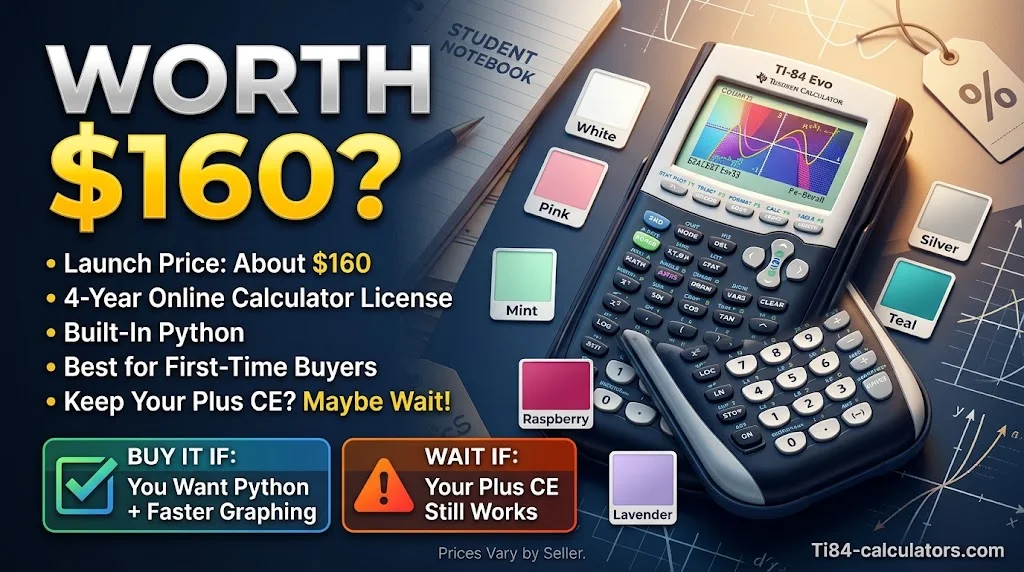
What you get. TI includes a four-year online calculator subscription, valued at $80. Students get a free license with a retail Evo purchase. Schools get 50 free licenses with a Teacher Pack of 10.
Where to buy in the USA. Start with TI’s Where to Buy page. Big retailers like Amazon, Walmart and Target also sell it. Buy from authorized sellers to avoid fakes.
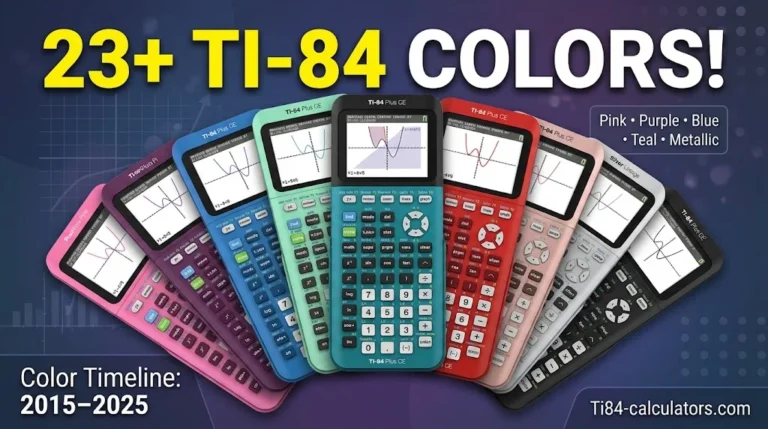
Colors. The Evo comes in white, pink, mint, raspberry, silver, teal and lavender.
Buy the Evo if:
- You are buying your first TI-84 graphing calculator.
- You want built-in Python programming.
- You take Algebra, Pre-Calculus, Calculus or AP Statistics.
- You want faster tools for SAT/ACT prep.
- Your school is moving to current hardware.
Wait if:
- Your Plus CE works well.
- You rely on older TI-BASIC programs.
- Your school requires a specific model.
- Your budget is tight.
Smart family tip. Pass the old calculator to a younger sibling. Buy the Evo for the older student.
Other options. The TI-Nspire CX II suits higher-level math, and some CAS models are restricted on certain exams. The Casio fx-CG50 and NumWorks are other brands. Desmos works for free practice.
FAQs
Is the TI-84 Evo worth it?
Yes, for first-time buyers, Python learners and test-takers. It is faster, has a bigger graph and comes with a four-year online license. If your Plus CE still works, an upgrade is optional.
What is special about the TI 84 Evo?
It is the first TI-84 with built-in Python. It also has a 156 MHz processor, 50% more graphing area, USB-C charging and Points of Interest Trace. Texas Instruments launched it on April 28, 2026.
What is the difference between TI-84 and Evo?
The older TI-84 Plus has a 15 MHz processor, a 96 x 64 screen and 480 KB of memory. The Evo has 156 MHz, a 319 x 209 graphing area and 3.5 MB of memory. The Evo also adds color, a rechargeable battery and Python.
Is the TI-84 Plus CE better than the EVO?
Not on specs. The Evo wins on speed, screen size and navigation. The Plus CE still makes sense if you own one, use older programs or want a lower used price.
Conclusion
The Ti 84 Evo keeps the TI-84 feel and fixes its biggest annoyances. You get a faster processor, a larger graph, a cleaner home screen, USB-C charging and built-in Python. It also meets the exam approvals students need for the SAT, ACT, AP and IB.
For new buyers, it is a solid long-term pick. For current Plus CE owners, the upgrade is a choice, not a must. Check the current price and your exam rules, then pick the model that fits your classes.

Timmy Vicky is a passionate educational technology writer who focuses on calculators, math tools, and practical learning resources. At TI84-Calculators.com, he helps students, teachers, and math enthusiasts understand how to use TI-84 calculators and explore their features more effectively. His goal is to make calculator guides, functions, and mathematical concepts easier to understand through clear explanations and step-by-step instructions.