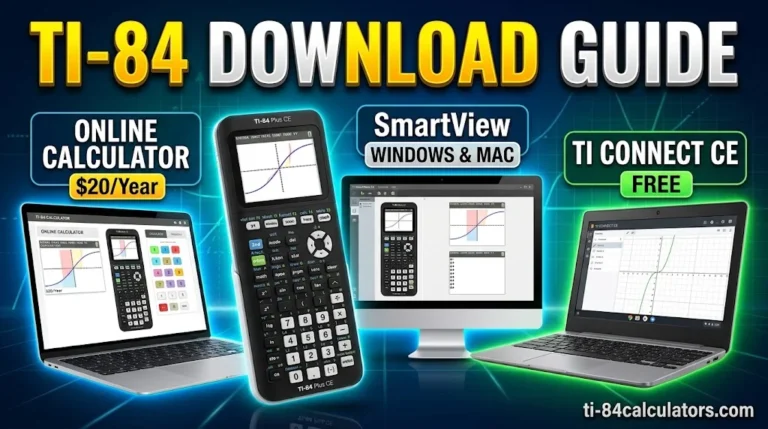
TI-84 apps for iPhone, iPad and Android let you use the same keystrokes from class on the phone you already carry. A handheld TI-84 graphing calculator often costs $100 to $150, so many students look for a cheaper way.
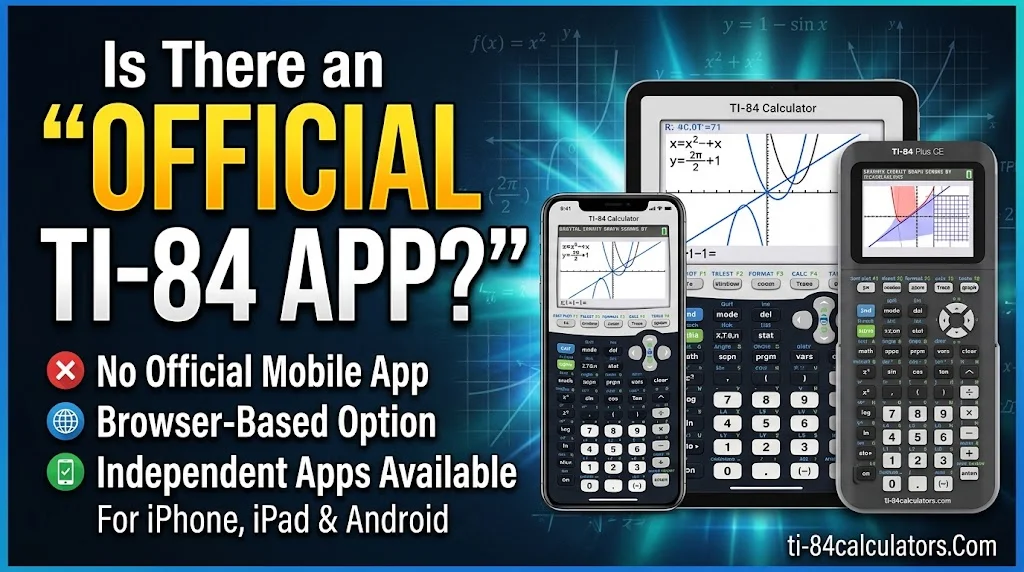
Here is the catch. Texas Instruments does not make a TI-84 phone app. This guide shows which independent TI-84 calculator apps work, what they cost and where they fall short.
Is There an Official TI-84 App for iPhone, iPad and Android?
No official app exists yet. TI sells its TI-84 tools in other forms.
Is there a TI-84 app for iPhone? Texas Instruments offers no TI-84 app for iPhone, iPad or Android. Its closest option is the TI-84 Evo online calculator. It runs in a web browser, needs sign-in and internet, and its 4-year license comes with the Evo handheld.
TI also offers a TI-84 Plus CE online calculator with built-in apps. They include Cabri Jr. geometry, CellSheet spreadsheets, Conic Graphing, Inequality Graphing, Periodic Table, Probability Simulation, Science Tools and Transformation Graphing. The Polynomial Root Finder handles polynomials up to degree 10. The Simultaneous Equation Solver handles up to 10 equations with 10 unknowns.
The newer TI-84 Evo uses an icon home screen instead of the old Apps menu. It also adds Points-of-Interest tracing and reworked statistics menus. Good phone apps now copy these changes.
You have four routes on a phone or tablet:
- Native TI-84-style app: a real mobile app that copies the 84-style keypad, menus and entry syntax.
- Emulator: Wabbitemu runs the real TI operating system, but you must make a ROM image from your own calculator. It runs on Windows, Mac and Android, not iOS.
- Browser calculator: TI’s online version, or a tool like Desmos.
- Manual app: teaches the keys but is not a calculator. The TI 84 Graphing Calculator Man. listing says plainly that no actual graphing calculator is included.
Read the app description first. Words like “manual,” “guide” or “tutor” often mean no calculator inside.
Best TI-84 Calculator Apps for iPhone and iPad
Most TI-84-style apps start on iOS. Judge each one by keypad match, real price, ads, offline use and school programs.
What is the best app for a TI-84 calculator? Here is how the main options compare:
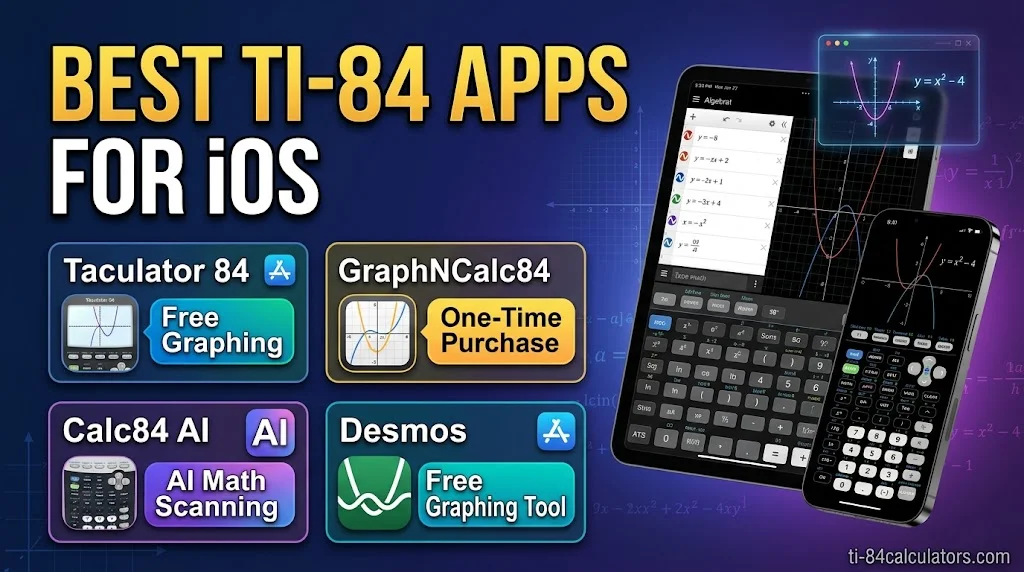
- Taculator 84: iPhone, iPad, Mac and Android. Graphing is free, there are no ads in any tier, and it works offline. Pro costs $29.99 once, or $2.99 per 3 months, or $7.99 per year. It has MathPrint input, 14 keyboard themes and an Evo-style home screen. Schools get it free through Apple Custom Apps.
- GraphNCalc84: $9.99 one time on iOS. It covers graphing, regressions, distributions, matrices, lists and programming. No ads and no subscription.
- Calc84 AI: scans printed or handwritten math and inserts it into the calculator. A lifetime unlock covers the calculator. AI Plus and Pro plans add larger scan and tutor limits. Scanning needs internet.
- Calculate84: close to the original look, but iOS and iPadOS only. Its free version shows ads.
- Graphing Calculator X84: iOS only. PRO costs $9.99 and removes ads.
- NCalc – Graphing Calculator 84: adds a computer algebra system (CAS), which the real handheld lacks. Lifetime unlock starts at $5.99. The free tier has ads.
- Desmos: free and ad-free, but it does not use the 84 keypad.
While exploring TI-84 apps for iPhone, iPad, and Android, it’s also important to understand how the TI-84 compares with more advanced graphing calculators. Our guide to TI-84, TI-89, and TI-Nspire calculators explains the key differences between CAS and non-CAS models, helping you choose the right calculator for your math courses, exams, and graphing needs.
What is the best app for a calculator on iPad?
The bigger screen helps. You can see the graph, the Y= editor and the keypad at once. Taculator 84 and GraphNCalc84 also run on Mac. Schools can deploy apps through MDM and Apple School Manager volume purchase.
Run a quick accuracy test before you trust any app. Graph y = x² − 4. The zeros should be at −2 and 2. The minimum should be −4. Then try ►Frac, a matrix inverse and a linear regression. If the results match your class, you are set.
Pair the app with a manual that shows exact key-press sequences. That habit helps most on exam day, when you switch to a handheld.
Best TI-84 Apps for Android
Android has fewer true TI-84 clones, so check each listing with care. Many apps are only scientific calculators with “84” in the name.
Which calculator app is best for Android?
These options run on Android:
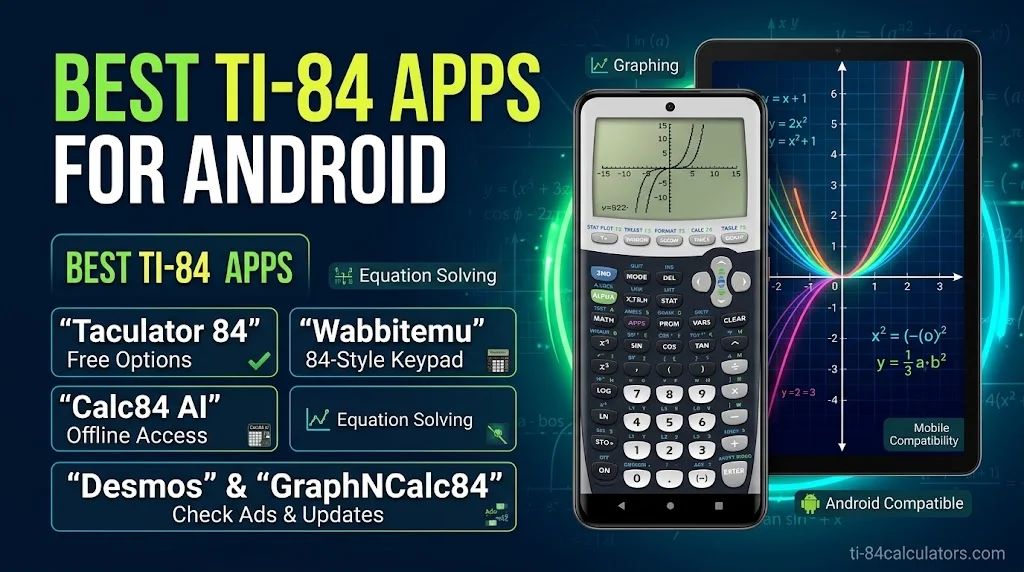
- Taculator 84: free graphing, no ads, offline. Same pricing as iOS.
- GraphNCalc84: a one-time lifetime unlock through an in-app purchase.
- Calc84 AI: scan-to-calculator, now on Android.
- NCalc: CAS plus a low lifetime price, but no major update in years.
- Wabbitemu: free, true TI behavior, technical setup.
- Desmos: free in the browser and as an app.
Check these items before you install:
- Offline use: does it work without an account or signal?
- Ads: do video ads interrupt homework?
- Keypad: does it follow the 84 layout, or just look similar?
- Updates: look at the last update date on Google Play.
- Data use: read the data safety section.
- Tablet layout: the keypad should fit without tiny buttons.
School tablets matter too. Managed Android tablets can receive apps through MDM.
TI-84 App vs Handheld: Can You Use One on the SAT, ACT and AP?
Apps are great for homework and study. Test rooms follow strict rules.
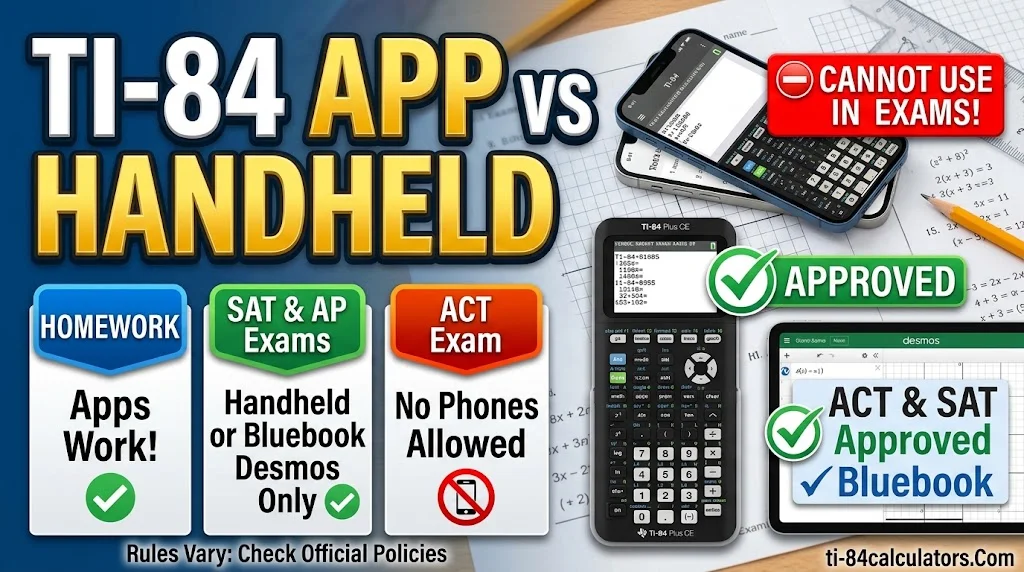
On the digital SAT, the College Board calculator policy lets you use an approved handheld or the Desmos calculator inside the Bluebook app. If your own calculator fails, you can switch to Desmos. The policy also flags calculators with built-in CAS and devices with cameras. The AP Program keeps its own policy.
The ACT is stricter about devices. The ACT test day page says you may not handle or access a cell phone in the testing room. A permitted calculator is allowed on the math test only. Online testers get an on-screen calculator.
| TI-84 app | TI-84 handheld | Desmos | |
|---|---|---|---|
| Typical cost | Free to about $30 | About $100 to $150 | Free |
| SAT | Phones are not approved | Allowed if approved | Built into Bluebook |
| ACT | Phones not allowed | Allowed if permitted | Not the exam tool |
| Class keystrokes | Match 84 style | Exact | Different workflow |
FAQs
Is there a TI-84 app for iPhone?
No official TI app exists for iPhone or iPad. Independent TI-84-style apps such as Taculator 84 and GraphNCalc84 fill the gap. They copy the 84 keypad and menus, work offline, and run on iPhone, iPad and Mac.
What is the best app for a TI-84 calculator?
It depends on your goal. Taculator 84 offers free graphing, no ads and 84-style keystrokes. GraphNCalc84 suits buyers who want one payment. Desmos is the best fully free pick, but it uses a different layout than the TI-84.
What is the best app for a calculator on iPad?
For class work with TI-84 steps, pick an 84-style app such as Taculator 84 or GraphNCalc84. For free digital SAT practice, use Desmos, since Bluebook includes it. The iPad’s larger screen shows the graph and keypad together.
Which calculator app is best for Android?
For TI-84-style use, Taculator 84 and GraphNCalc84 both run on Android. Desmos is the top free option. NCalc adds a CAS and a low lifetime price. Check ads, offline use and the last update date before installing.
Conclusion
The best TI-84 apps for iPhone, iPad and Android copy the keypad you learn in class. Texas Instruments has no phone app, so independent apps carry that job. Taculator 84 and GraphNCalc84 cover all major platforms, while Desmos covers free graphing. Use apps for homework and study, then practice on an approved handheld before the SAT or ACT. Always check current prices and test rules before you commit.

Timmy Vicky is a passionate educational technology writer who focuses on calculators, math tools, and practical learning resources. At TI84-Calculators.com, he helps students, teachers, and math enthusiasts understand how to use TI-84 calculators and explore their features more effectively. His goal is to make calculator guides, functions, and mathematical concepts easier to understand through clear explanations and step-by-step instructions.