
Picking between Desmos vs TI-84 can feel like a big call. One is free and runs in a browser. The other is a trusted handheld device.
This guide shows how the Desmos graphing calculator and the TI-84 Plus CE compare on cost, speed, exams, and daily class use. You’ll get a clear pick by the end.
Desmos vs TI-84 at a Glance
Quick answer: Desmos is better for cost, graphs, and learning. The TI-84 is better when a class or test bans phones and laptops. Many students use both.
| Feature | Desmos | TI-84 Plus CE |
|---|---|---|
| Cost | Free | Often over $100 |
| Where it runs | Browser, iOS, Android | Handheld device |
| Graph quality | Smooth, zoomable, touch-friendly | Color screen, but smaller and slower |
| Learning curve | Low | Medium (menus and key combos) |
| Battery | Uses your device | Rechargeable battery |
| Best for | Homework, exploring, visual learning | Tests with device bans, offline use |
Choose Desmos if you want a free online graphing calculator that is easy to learn.
Choose the TI-84 if your teacher requires it or your class bans phones.
Choosing between Desmos and the TI-84 is about more than graphing features and classroom convenience—students also need to know which tools they can use during standardized tests. Before deciding which calculator to rely on, review the ACT and SAT calculator rules to understand which models are permitted and whether your preferred device meets exam requirements.
Desmos vs TI-84: Features, Cost, and Ease of Use
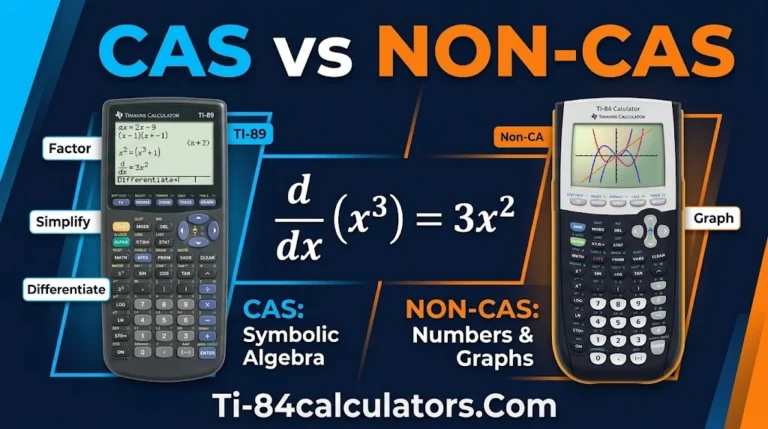
Both tools plot functions, solve equations, and run regression. The real gap shows up in price, speed, and how each one feels to use.
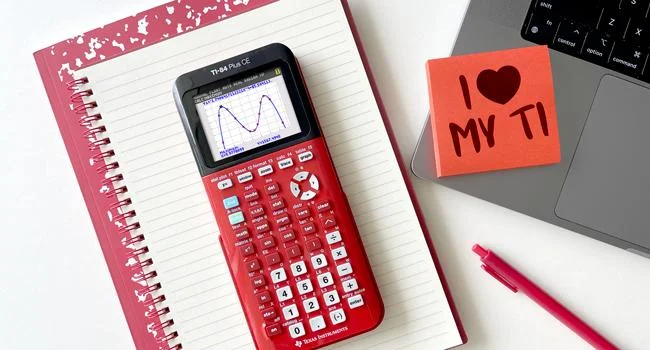
Cost. Desmos is free. The company was founded in 2011 and built its graphing tool to run on phones and computers, so students don’t need a separate device. A handheld adds up fast, especially for a full class set.
Speed. On Desmos, you type an equation and the graph appears at once. Sliders let you change a parameter and watch the curve move. On a TI-84, you press Y=, set the window, then press GRAPH. That takes more steps.
Input. Desmos lets you type fractions the way they look on paper. The TI-84 uses separate keys for negative and subtraction. That small detail trips up many beginners.
Regression. Both tools run linear regression and exponential regression. But the results can differ. Many handhelds fit an exponential model by taking the log of the y-values first. Desmos can fit the curve to the raw data directly. So the numbers may not match. Check which method your teacher expects.
Statistics. The TI-84 has a STAT TESTS menu for z-tests, t-tests, and confidence intervals. Desmos has strong statistics functions, such as normal and binomial distributions. But it has no menu-driven test wizard.
Classroom tools. Teachers can build Desmos Classroom activities, see student work live, and share links in seconds. A TI-84 stands alone. It does offer programs and, on the Python edition, Python coding.
Offline use. A TI-84 works anywhere. Desmos needs a device. The mobile apps can handle basic graphing without a connection once installed, but a browser tab needs the internet.
Distraction. A phone has texts, games, and social apps. A handheld has none of those. Some teachers choose the TI-84 for that reason alone.
Desmos vs TI-84 for SAT, ACT, and AP Exams
Test rules matter more than any feature list. Always check the official policy before test day.

SAT. Yes, a TI-84 is allowed on the SAT. The College Board lets students use the Desmos calculator built into the Bluebook app, which offers a graphing and a scientific option. You can also bring your own approved handheld. The TI-84 Plus is not a CAS model, so it stays on the approved side. The banned list includes TI-Nspire CAS models, anything starting with TI-89 or TI-92, and anything with “CAS” in the name. If your calculator fails and you have no backup, you can switch to the built-in Desmos tool. Read the full SAT calculator policy for updates.
ACT. TI-84 calculators are allowed on the ACT, while TI-89, TI-92, and TI-Nspire CAS models are not. The ACT also offers a Desmos option on its online test, so practice with the one you will use.
AP exams. Desmos’ graphing calculator is available for AP Precalculus, Calculus AB and BC, and Statistics, while other AP exams offer a scientific or four-function version. Handheld calculators are also permitted. See Desmos’ exam guide for details.
State tests. Many state exams, such as Texas’ STAAR, now embed Desmos. Check your state’s testing page, since rules vary.
Smart test-day habits:
- Practice on the exact tool you will use.
- Pick a main method and a backup method to double-check answers.
- Charge your TI-84 the night before.
- Open the Bluebook practice test to learn the Desmos layout.
Best Graphing Tool for Your Class
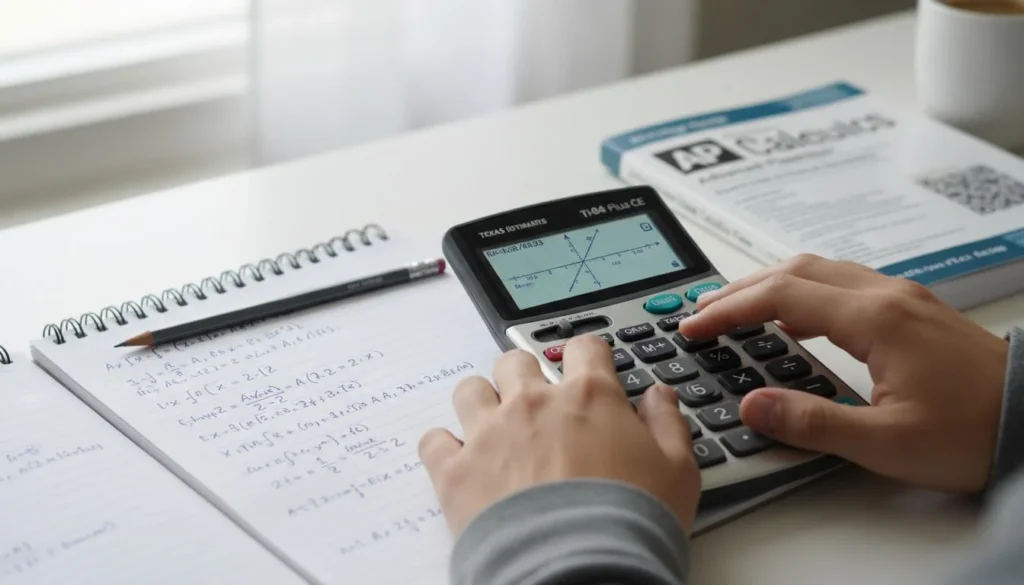
The best graphing calculator for class depends on your course, your teacher, and your budget.
By course:
- Algebra I and Geometry: Desmos is plenty. It makes linear equations and transformations easy to see.
- Precalculus and AP Calculus: Both work. Desmos is great for exploring. The TI-84 helps for exams that need it.
- AP Statistics and college stats: The TI-84’s STAT TESTS menu is a real time-saver.
By teacher policy: Some teachers ban phones. Others require a TI-84 for tests. Ask early. Many also allow Desmos on in-class tests through its test mode.
By budget: If money is tight, start free with Desmos. Buy a TI-84 only if your class or exam needs one.
By learning style: Visual learners often love Desmos sliders. Students who like step-by-step keys may feel at home on a TI-84.
The hybrid plan: Use Desmos for homework and exploring. Use the TI-84 for tests that call for a handheld. You learn both, and you’re ready for either rule.
Final verdict: For most students, Desmos is the better everyday tool. The TI-84 is still the safer pick where devices are banned.
FAQs
Is Desmos better than a graphing calculator?
Desmos is better for cost, visuals, and ease of use. A handheld is better when devices are banned or you need offline use. Neither wins every time. The best choice depends on your class and exam rules.
Can you put Desmos on a TI-84?
No. A TI-84 runs its own operating system and can’t install Desmos. Use Desmos on a phone, tablet, or computer instead. If you only own a TI-84, you can still learn graphing skills on it and move to Desmos later.
Is a TI-84 allowed on the SAT?
Yes. The TI-84 Plus and TI-84 Plus CE are accepted. CAS models such as the TI-89 and TI-Nspire CAS are not. Confirm on the College Board calculator page before test day, since the guidelines can change as often as once a year.
Is the TI-84 Plus outdated?
The hardware is old. The TI-84 Plus debuted in 2004. But the TI-84 Plus CE added a color screen and a rechargeable battery. It is still approved for major exams and still common in US classrooms. It is aging, but not obsolete.
Conclusion
In the Desmos vs TI-84 debate, Desmos wins on price and clarity, and the TI-84 wins on reliability under strict rules. Learn both if you can. Then use whichever one your class, teacher, and exam allow.

Timmy Vicky is a passionate educational technology writer who focuses on calculators, math tools, and practical learning resources. At TI84-Calculators.com, he helps students, teachers, and math enthusiasts understand how to use TI-84 calculators and explore their features more effectively. His goal is to make calculator guides, functions, and mathematical concepts easier to understand through clear explanations and step-by-step instructions.